01
Install and use
Sign in after installing and connect right from the home screen.
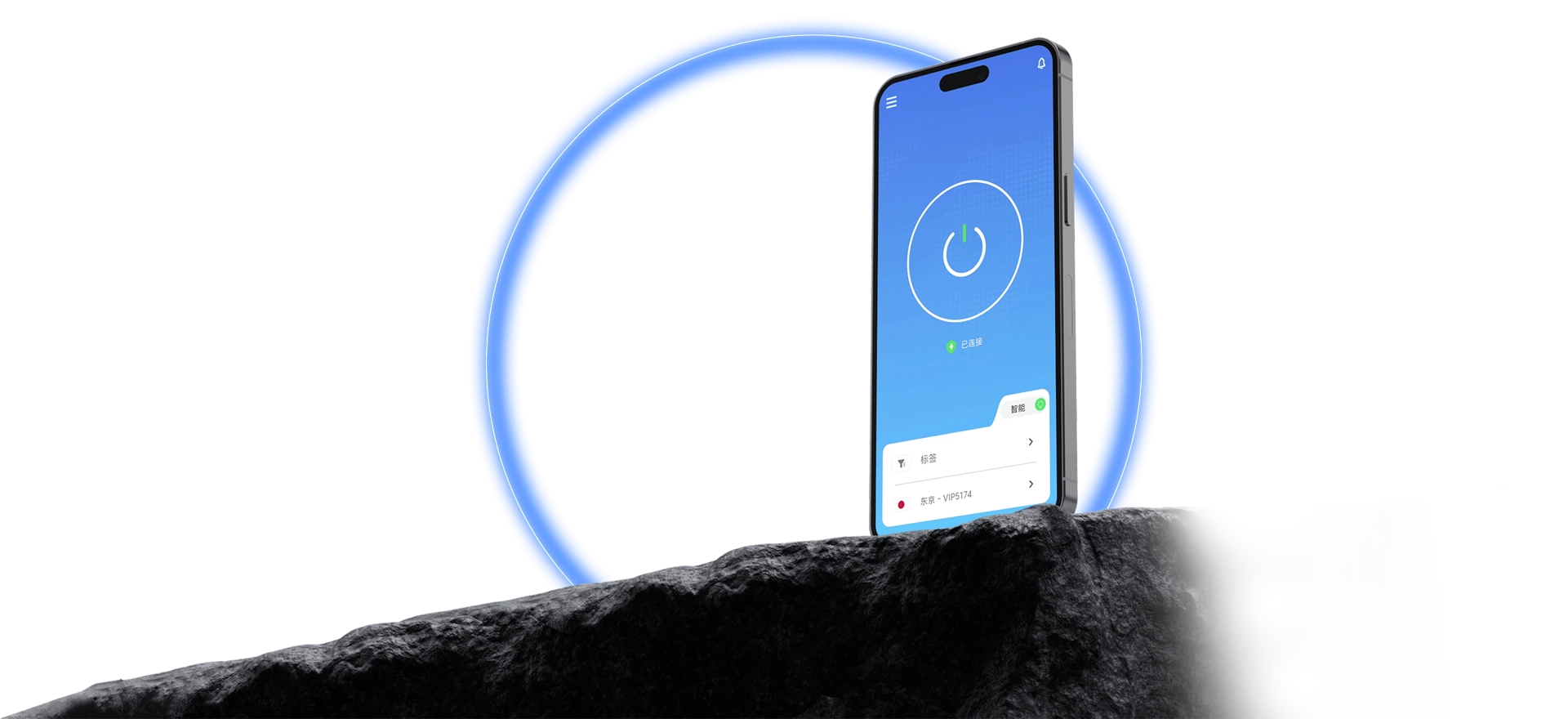
Direct routes for streaming, gaming, AI tools, and everyday browsing — all smooth.
Windows, macOS, iOS, Android, and Linux all work. Install, sign in, pick a route on the home screen, and connect — status shows up live. One account covers all your devices.
Every step is short, so first-timers can follow along easily.

Sign in after installing and connect right from the home screen.
Route status is easy to read; switch whenever you like.
Connected or not, the app tells you straight.
The same process on every device — nothing new to learn.
What is collected, how it is used, and how it is protected — all written down.
Setup, sign-in, and connection issues all have fixes documented.
Grab the client, follow a few tutorial steps, and QuickQ is ready.